7 Best Nolt Alternatives in 2026 (I Tested Every One)
Compare seven Nolt alternatives in 2026 by pricing, free plans, AI feedback capture, widgets, roadmaps and changelogs. Find the best fit for your SaaS team.
Alternatives


Feedback comes from too many places at once. Someone files a support ticket, drops a message in Slack, leaves an app store review, or replies to an email you’d forgotten about. By the time anyone tries to go through it all, half of it is duplicate, and the rest is too old to act on. Most of it never reaches you at all. In a Qualtrics XM Institute study of 20,001 consumers, fewer than 1 in 3 said they give feedback directly to a company after a bad experience.
Nolt is one tool teams use to deal with this. It’s a single feedback board where users post ideas, other users vote on them, and your team replies and updates the status. It charges a flat price per board instead of per seat or user, which appeals to teams who find most feedback tools bloated.
I tried ProductBridge and a few other Nolt alternatives myself, using the same test each time: how easy it is to collect feedback, what the tool does with it once you have it, and what it costs as your team grows.
Disclosure: ProductBridge is our own product. We judged it by the same standards as everything else – pricing, integrations, and how well it actually turns feedback into decisions.
TL;DR
The best Nolt alternatives in 2026 are ProductBridge, Canny, Featurebase, FeatureOS, Upvoty, Frill, and ClearFlask.
ProductBridge is the top pick, suited for SaaS teams that want feedback pulled in automatically from 20+ sources, plus a help center and surveys, all at flat pricing of $29/mo (annual billing).
Canny suits teams that want an established board with a deeper native integrations.
Featurebase, ProductBridge and FeatureOS fit teams that want feedback bundled with a full support layer or a knowledge base, rather than just a board.
Upvoty and Frill work best for design-first teams that want a clean, white-labeled portal at a lower price.
ClearFlask is a self-hosted option for teams that want full control over their data.
Nolt vs Top Alternatives
Nolt | #1 ProductBridge | #2 Canny | |
Starting paid price (annually) | $29/mo | $29/mo | $79/mo |
Automatic AI feedback capture | ❌ | ✅ Support, reviews and app-store sources | ✅ Autopilot |
Roadmaps | ✅ | ✅ | ✅ |
In-app widgets | ✅ | ✅ | ✅ |
Changelog | ✅ | ✅ | ✅ |
Customer chat support | ❌ | ✅ | ❌ |
Surveys | ❌ | ✅ | ❌ |
Help Center | ❌ | ✅ | ❌ |
SSO | ✅ | ✅ | ✅ |
Pricing Model | Flat tiers with board limits | Flat feature tiers with team and AI limits | Scales by tracked users |
Pricing and features verified as of August 2026. We recheck this table quarterly, so if you spot something out of date, it's worth confirming on the vendor's own pricing page before you buy.
Why Do Teams Look for Nolt Alternatives?
Zendesk's CX Trends 2026 report found 85% of CX leaders say one unresolved issue is enough to lose a customer. Closing the feedback loop is important - but teams may still compare Nolt when they need a permanent free plan, native surveys, a customer help center or broader AI-powered feedback analysis.
No free plan. Nolt only offers a 10-day trial. If you want to try it long-term without paying, there’s no option.
You still have to type feedback in yourself. Nolt doesn’t pull anything in from support tools, app stores, or reviews on its own. Someone has to go find it and add it to the board manually.
No surveys or help center. If you want to run an NPS survey or give customers a help center, you’ll need a separate tool for that.
Just a vote count, not real insight. Nolt shows you how many people voted for something, but it doesn’t group similar requests into themes or tell you why people are asking for it.
Top 7 Nolt Alternatives in 2026
ProductBridge
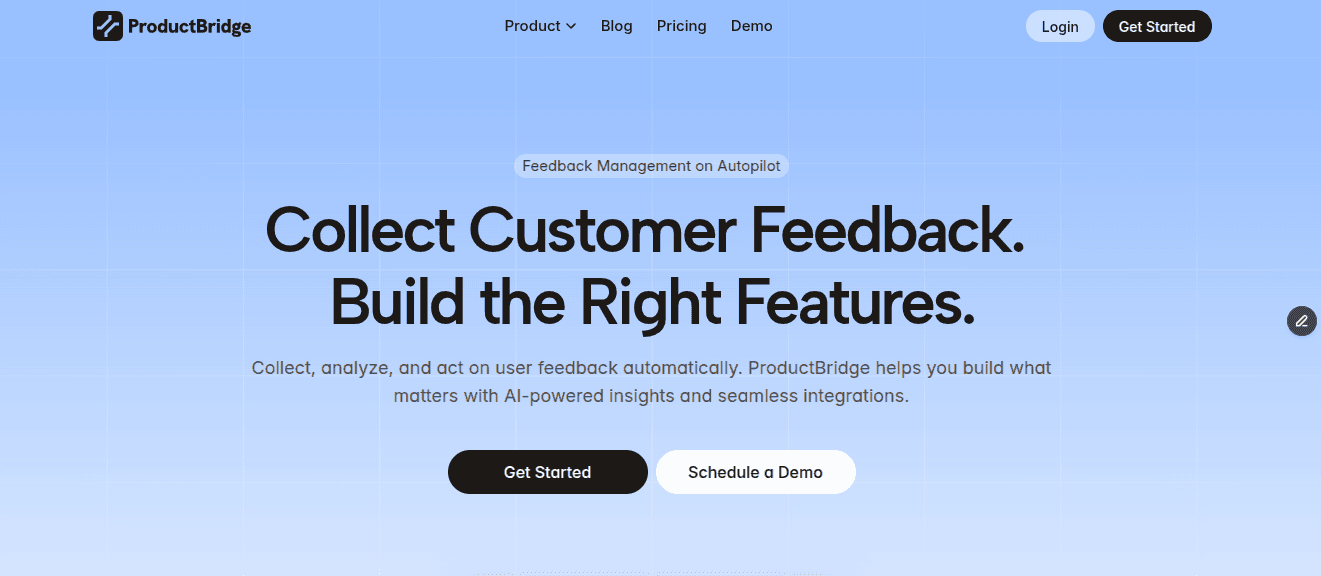
ProductBridge is an AI-powered feedback + customer support platform that collects feedback automatically from 20+ sources like Trustpilot, then sorts it into themes, pain points, and observations.
ProductBridge AI then clears out duplicate requests on its own, builds and updates a roadmap, and drafts your release notes, so your team spends less time managing the board and more time acting on what it says.
That’s the part a board like Nolt can’t do. Nolt only shows you what a small group of users bothered to vote on. And that group isn't representative — MIT Sloan Management Review notes that users who volunteer feedback have different preferences than mainstream customers. It has no way of knowing about the customer who ran into the same problem and just left without saying a word.
What’s Included
Omnichannel capture – pulls feedback in automatically from 20+ sources including Trustpilot, Intercom, and Gong.
Feedback Insights – sorts incoming feedback into Themes, Pain Points, and Observations, not just a vote count.
Feedback boards – public, private, or segment-based
Roadmaps – show what’s planned, in progress, and shipped
Changelog – auto-notifies users the moment their request goes live
Public portal – where customers browse and vote on requests
In-app widgets – collect requests right inside your product
Help Center & Surveys – built in, not a separate tool
Customer chat support – embeddable chat widget that helps connecting your customers
How It Compares to Nolt
Collects feedback on its own from support tools, reviews, and app stores instead of relying on people to submit it manually
Groups requests into themes and pain points rather than just tallying votes
Comes with a chat support, in-app widget, help center, and surveys in a single tool
Has a free plan, while Nolt only offers a 10-day trial
ProductBridge does not charge per seat within a plan.
Where It Falls Short
New platform, so a shorter track record
A few enterprise features, like SSO/SAML, are limited to the pricier tiers
Pricing
Plan | Monthly | Annually |
Free | $0 | $0 |
Starter | $39 | $29/mo |
Growth | $69 | $59/mo |
Enterprise | Custom | Custom |
At the same price, Nolt has no free plan and caps you at one board on its $29/mo tier, with no help center or surveys. ProductBridge includes a board, roadmap and changelog on the free plan, plus feedback collected automatically from 20+ sources.
Best for: SaaS teams that want feedback captured automatically across every channel and turned into something usable without manual sorting.
For a head-to-head on boards, AI and pricing, see ProductBridge vs Nolt.
Canny
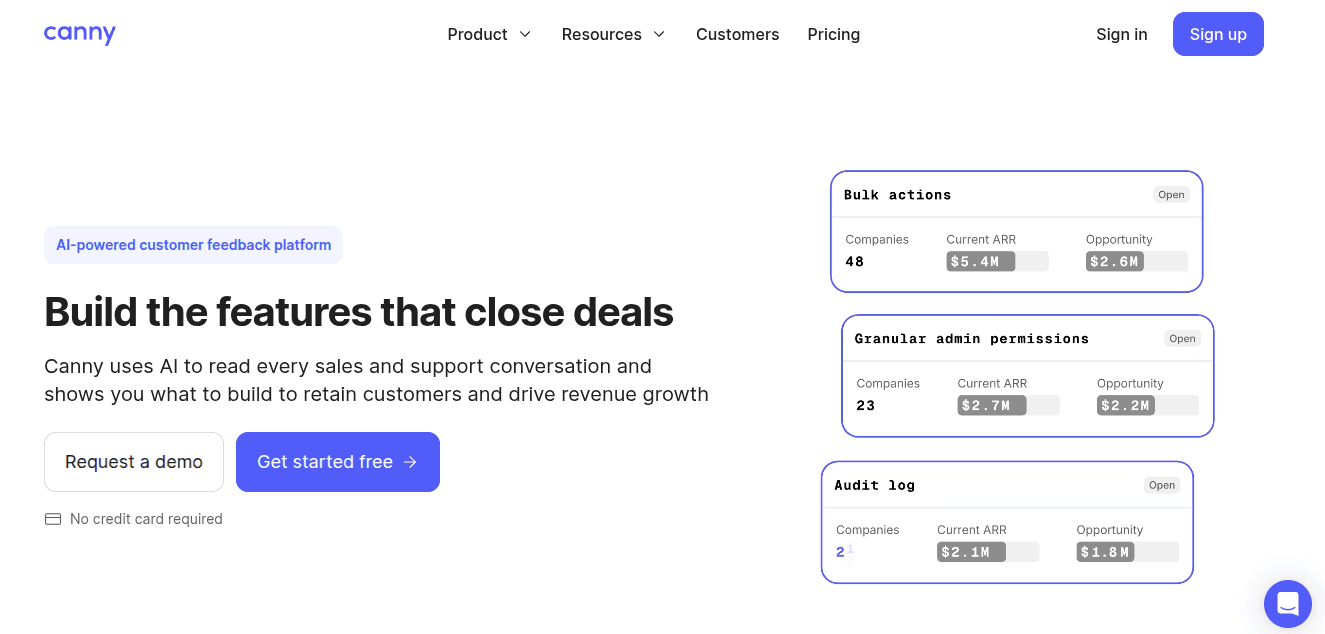
Canny is a name a lot of people already know. It’s one of the older tools in this space; you use it to set up a feedback board, letting users vote on ideas, and showing a roadmap and changelog. It also has an AI feature called Autopilot that pulls in feedback from your other tools on its own, so you don’t have to go find it yourself.
The catch is pricing. Canny charges you based on tracked users – anyone who posts, votes, or leaves a comment – and that number never goes back down. It just keeps growing. That pricing model is also why teams start looking at Canny alternatives once their feedback audience grows.
What’s Included
A roadmap and changelog that anyone can see, showing what’s coming and what’s already done
Autopilot AI that pulls in feedback from your other tools and sorts it for you
Repeated requests get combined into one on their own, so you’re not left with the same idea posted five times.
Connects directly with Slack, Jira, Intercom, Zapier, ClickUp, Asana, GitHub, and HubSpot
Voters can always check and see where their request stands
How It Compares to Nolt
Has a bigger user base since it’s been around longer
More native integrations, so you don’t have to rely on a third-party connector
Free for up to 25 tracked users, while Nolt gives you nothing more than a 10-day trial
Grabs feedback from support and chat tools on its own, which Nolt isn’t able to do
Where It Falls Short
The more users engage, the more it costs you, unlike Nolt, where the price stays the same per board. Canny discontinued its $19 Core plan in mid-2026, so paid pricing now starts at $79/mo.
Prioritization tools are more limited than dedicated product-strategy platforms
No knowledge base included
Pricing
Plan | Monthly | Annually |
Free | $0 | $0 |
Pro | $99 | $79/mo |
Business | Custom | Custom |
Best for: Product teams that want a well-established, polished board and don't expect their tracked-user count to grow fast enough to push costs up.
Featurebase

Featurebase puts feedback and customer support under one roof. You get a feedback board, roadmap, changelog, and surveys on one side, and a help center, shared inbox, live chat, and an AI agent named Fibi that can handle support replies on its own on the other.
That makes Featurebase a broader platform than Nolt, but it also introduces per-seat pricing and additional charges for Fibi AI resolutions. This trade-off is why teams comparing Featurebase alternatives often look for the same combination of feedback and support with more predictable pricing.
What’s Included
Feedback boards, public or private, with voting and priority based on revenue
In-app widget that shows feedback options and help articles inside your product
Fibi AI – answers support questions, suggests replies, and catches duplicate tickets.
Roadmap and changelog that tell users automatically when their request goes live
A built-in help center, shared inbox, and live chat
How It Compares to Nolt
Comes with support tools (AI agent, inbox, help center)
Has a free plan, while Nolt only gives you a 10-day trial
Lets you set up automation to route and tag tickets
User-facing portal feels newer and easier to use than Nolt’s board
Where It Falls Short
Pricing is per seat, so it will be costly as your team grows, unlike Nolt’s flat per-board rate
Every AI resolution costs extra, on top of what you pay for seats
You have to pay more just to remove Featurebase’s own branding
Pricing
Plan | Monthly | Annually |
Free | $0 | $0 |
Growth | $37 | $29/mo |
Professional | $75 | $59/mo |
Enterprise | $129 | $99/mo |
Fibi AI costs $0.29 per resolution no matter which plan you’re on, and you can only remove the branding on Professional or Enterprise. If your company is under 2 years old with fewer than 6 people, you can get 86% off Professional plus a free year of Fibi AI.
Best for: Product-led SaaS teams that want feedback and support handled in one tool, as long as their admin team is small enough that per-seat pricing doesn't get out of hand.
FeatureOS
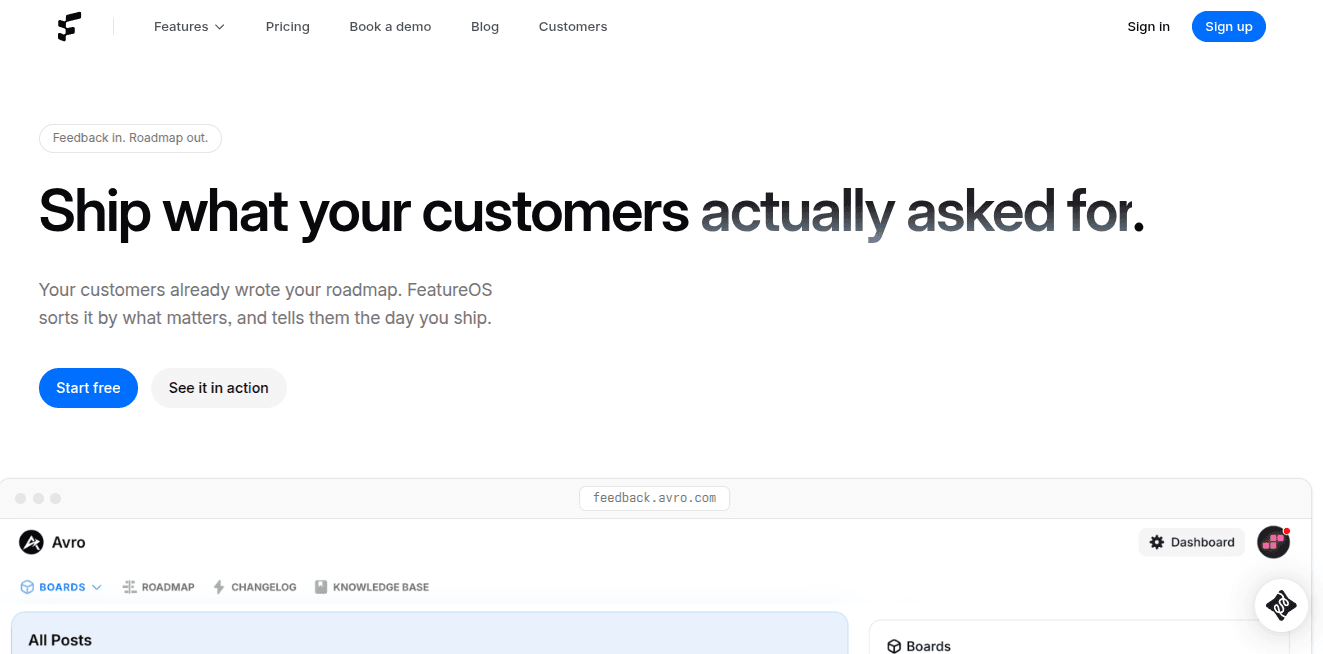
FeatureOS puts feedback, roadmap, changelog, a knowledge base, and surveys all under one tool. Instead of running five separate apps for each part of the loop, your team works in one place from the moment feedback comes in to the moment you tell users it shipped.
It’s aimed at teams that have already outgrown a simple voting board. Instead of just collecting votes, it connects feedback straight through to what gets built, what gets shipped, and how it gets explained to users, without needing a separate tool for each step.
What’s Included
Feedback boards where users post and vote on ideas
A public roadmap that updates as work moves
Changelog that notifies users automatically once shipped
Built-in knowledge base; you can turn changelog entries into help articles with one click
Surveys to collect feedback beyond just the board
How It Compares to Nolt
Comes with a knowledge base and surveys, which Nolt doesn’t offer at all
Covers the full loop: feedback, roadmap, changelog, and docs, instead of just a voting board
Starts with a 30-day free trial, longer than Nolt’s 10-day trial
Fixed base tiers, although Starter and Growth include board and seat limits with paid add-ons for additional capacity.
Where It Falls Short
Starts higher than Nolt at $60/mo
No permanent free plan, only a trial
Smaller user base and fewer reviews than other tools
Pricing
Plan | Monthly | Annually |
Starter | $60 | $50/mo |
Growth | $120 | $100/mo |
Business | $250 | $208/mo |
Annual billing gets you two months free on every paid plan. Starter includes 5 boards and 5 seats, Growth adds user segmentation, API access and SSO, and Business is built for larger teams with unlimited boards and integrations.
Best for: Teams that want feedback, roadmap, changelog, and a knowledge base handled in one tool instead of paying for separate products for each.
Upvoty
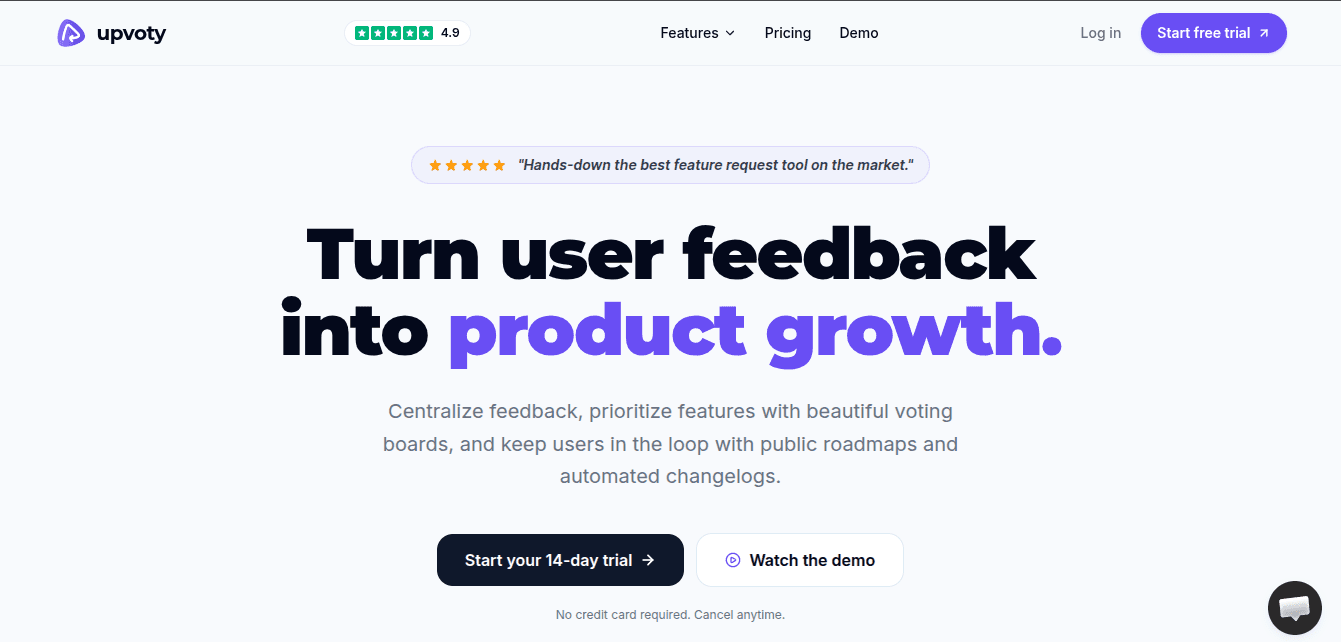
Upvoty handles the basics: voting boards you can make public or private, embeddable widgets, a roadmap, and a changelog. What really stands out is the branding. Paid plans let you run it on your own domain with full HTML/CSS theming, so it doesn’t look bolted on – it looks like it belongs there.
The AI angle is unusual. There’s no assistant built in. Instead, Upvoty MCP lets you hook up whatever AI tool you’re already using, though that’s limited to the top plan.
What’s Included
Public and private voting boards
Full HTML/CSS theming plus a custom domain
Auto-merge and auto-tagging to keep duplicate posts from piling up
A roadmap and changelog for what’s planned and what’s live
Upvoty MCP to plug in your own AI assistant
Integrations like Slack, Jira, Zapier, Google Analytics, and more
How It Compares to Nolt
Board branding goes deeper – full theming versus Nolt’s more limited customization
SSO comes on the cheaper paid plan, not locked behind an enterprise tier
You can wire up your own AI tool via MCP
Where It Falls Short
Only a 14-day trial
Pricing is per project, so a second product usually pushes you to the top tier
No AI comes ready out of the box; setting one up is on you
Nothing for surveys or a help center if you need those later
Pricing
Plan | Monthly | Annually |
Power | $15 | $13.50/mo |
Super | $25 | $22.50/mo |
Best for: Bootstrapped founders and small SaaS teams that want a fully white-labeled, on-brand feedback portal at a low price.
Frill
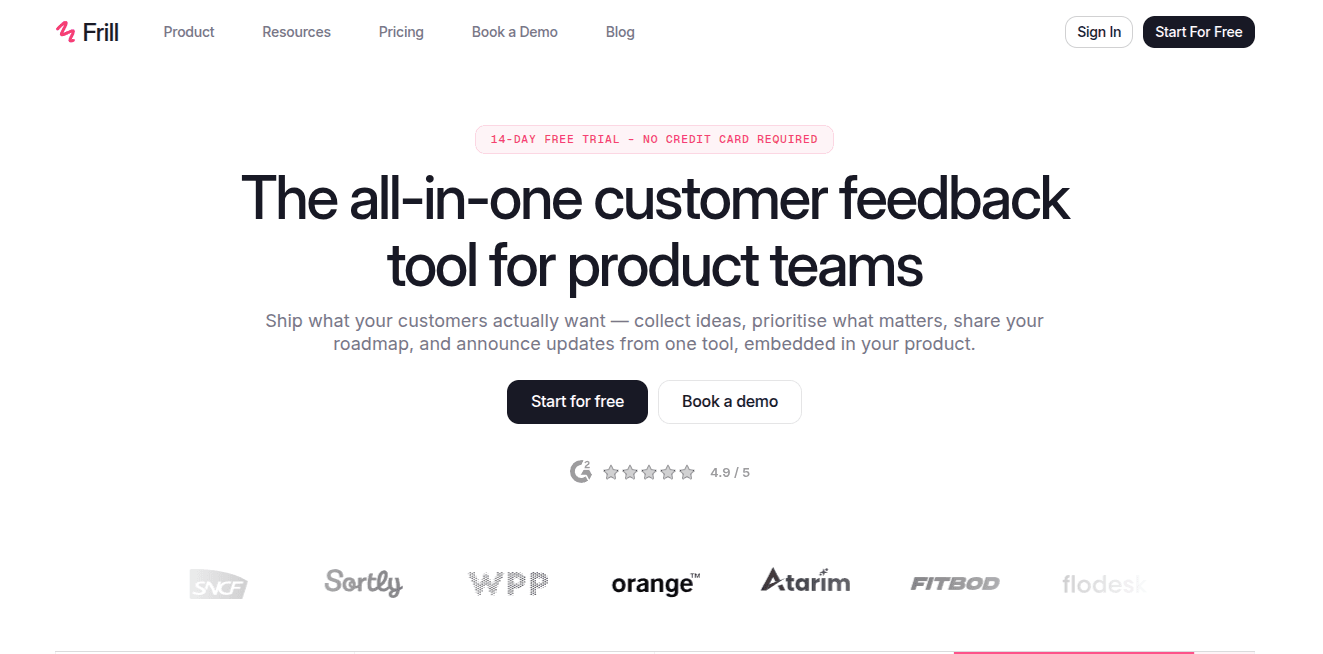
Frill is an all-in-one feedback tool that collects ideas, decides what matters most, shares a roadmap, and tells people what shipped, all from one place, right inside your product. The first thing most people notice is how good it looks, more like Notion than a typical support tool.
Even with all that packed in, it stays simple. You get an ideas board, a public roadmap, and announcements, plus a widget that takes just a couple of minutes to set up. There’s no heavy AI. The base plan is cheap, and you only pay extra for what you actually need.
That lightweight, design-first approach makes Frill attractive to smaller teams. Teams usually start comparing Frill alternatives when they want the same simplicity with AI analysis, a knowledge base, customer support, multilingual boards or fewer limits on active ideas.
What’s Included
An ideas board where customers can post, vote, and talk about requests
A visual roadmap showing what’s planned, being worked on, and done
A changelog with an announcements widget
Unlimited widgets on every plan
Scoring based on cost to help prioritize, plus SSO and integrations like GitHub, Jira, and Linear
How It Compares to Nolt
Sorts ideas into searchable topics instead of Nolt's single long board
Shows 'what's new' as an in-app popup, where Nolt only has a static changelog page
Automatically pools votes on duplicate ideas, something Nolt handles with manual merging
Where It Falls Short
English-language boards only
Cheaper plans limit how many ideas you can have active at once
No knowledge base
You have to pay extra to remove Frill's branding
Pricing
Plan | Monthly | Annually |
Startup | $25 | $23/mo |
Business | $49 | $45/mo |
Growth | $149 | $137/mo |
Enterprise | Custom (starts at $349) | Custom |
There's a 14-day free trial with no credit card required, and white-label is available as an add-on on the lower tiers.
Best for: Early-stage SaaS startups and small teams that want a clean, affordable tool and don't need multi-language support, a knowledge base, or high-volume feedback handling.
ClearFlask
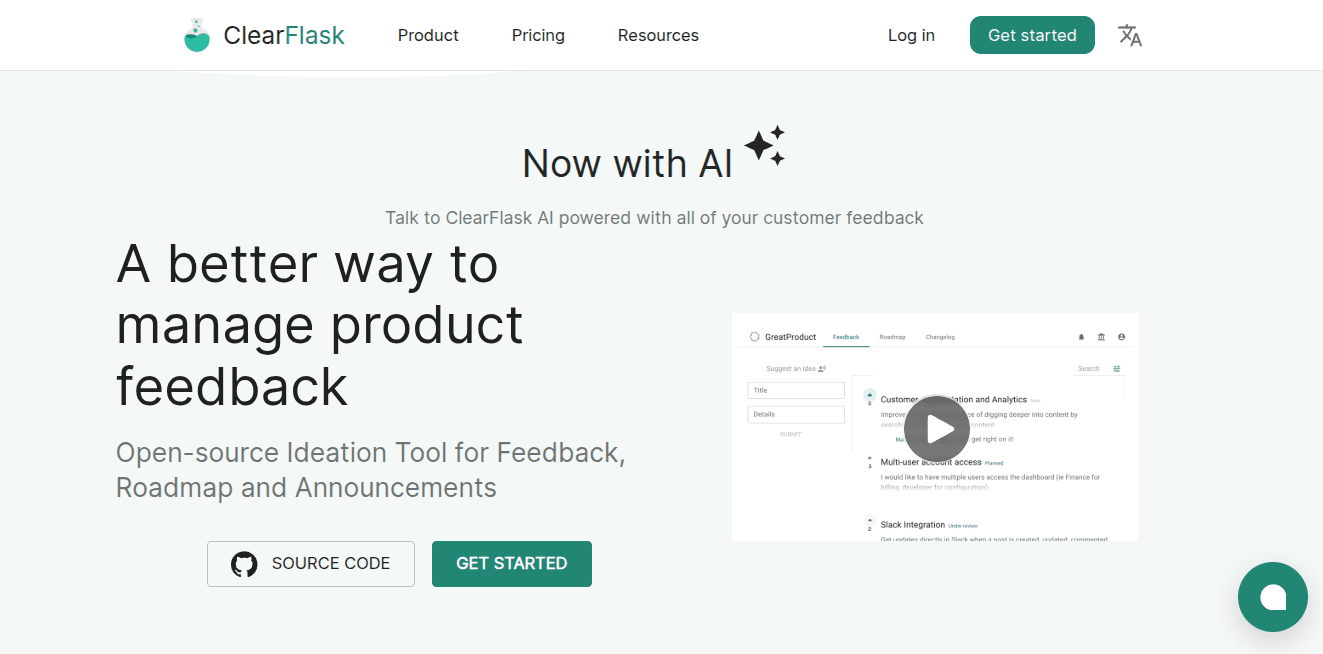
ClearFlask is fully open-source. It covers feedback, roadmap, and announcements, and recently added an AI layer that lets you ask questions across all the feedback you’ve collected instead of reading through it manually.
You get three ways to run it: deploy the open-source version yourself for free, pay for a self-host license, or let ClearFlask host it for you. The free tier is genuinely free but stays basic – custom domains, SSO, integrations, and API access only unlock once you move to a paid Self-host or Cloud plan.
What’s Included
Feedback board with a credit-based system for prioritizing ideas
Roadmap and changelog for announcements
AI that can answer questions across your collected feedback
Custom domains, content customizations, and site templates (paid tiers)
SSO/OAuth, private projects, and API access (paid tiers)
Integrations with GitHub, Intercom, and tracking tools (paid tiers)
How It Compares to Nolt
Fully open-source so you can self-host and own your data
Has a genuinely free tier
Comes with an AI layer to dig through feedback
Paid tiers start much lower than Nolt's entry plan, at $9/month for self-hosting
Where It Falls Short
The free open-source tier caps you at only 100 posts
You’re responsible for hosting and upkeep if you self-host
Smaller community and less name recognition than more established tools
Pricing
Plan | Monthly |
Open-source (self-deployed) | $0 |
Self-host License | $9 |
Cloud | $29 |
Best for: Teams that want full control over their feedback data, either by self-hosting for free or paying a small fee to skip the setup.
Which Nolt Alternative is Right for You?
The right choice depends on three things: how much of your feedback collection you want automated, how much you’re willing to spend as your team grows, and whether you need more than just a voting board.
Similar to Nolt, But More Automated
If you want the same simple board experience as Nolt, but with feedback captured automatically instead of typed:
ProductBridge
Canny
Feedback + Full Support Platform
If you want feedback tied to a help center, live chat, and an AI support agent, not just a board of votes:
ProductBridge
Featurebase
Budget-Conscious, All-in-one
If you want feedback, roadmap, changelog, and a knowledge base bundled in one tool without paying for separate products:
ProductBridge
FeatureOS
Design-First and On-Brand
If you want a clean, well-designed portal that feels like a native part of your product:
Upvoty
Frill
Full Control Over Your Data
If you’d rather self-host and keep your feedback data on your own infrastructure instead of a vendor’s servers:
ClearFlask
Frequently Asked Questions
What’s the best alternative to Nolt?
ProductBridge is the best Nolt alternative overall. It collects feedback automatically across support tickets, reviews, and app stores, then groups it into themes - plus it has customer support layer. Canny suits teams wanting a proven, established board. Featurebase fits if you also need a support layer, and Frill or Upvoty are best when design matters.
Nolt vs ProductBridge: What’s the difference?
Nolt and ProductBridge both offer feedback boards, voting, in-app widgets, roadmaps and changelogs. Nolt focuses primarily on managing the traditional feedback loop.
ProductBridge adds automatic feedback collection from support conversations and review platforms, AI-powered deduplication and analysis, surveys, a help center and customer-support chat.
ProductBridge also offers a free plan, while its $29-per-month Starter plan includes unlimited tracked users and unlimited boards; Nolt’s $29 Essential plan includes one board.
Which Nolt alternative is best for automatically collecting feedback?
ProductBridge is the best pick for this. It pulls feedback in from tools like Intercom, Trustpilot, app store reviews, and Zendesk or Freshdesk, then sorts everything into Themes, Pain Points, and Observations. That means your team doesn’t have to go find feedback and copy it over manually like Nolt.
Does Nolt have a free plan?
No, Nolt only offers a 10-day trial, with nothing free to fall back on once that ends. Most of the alternatives on this list do better. ProductBridge, Featurebase, and ClearFlask all include a genuine free plan you can stay on long-term, without ever feeling pressured to upgrade to a paid tier just to keep using the tool.
Which Nolt alternative is cheapest?
ClearFlask’s open-source plan is the cheapest option, free to self-host with only server costs to cover. ProductBridge also stays affordable long-term since it doesn’t charge per seat or per tracked user, keeping your bill flat even as your team and feedback volume grow. Upvoty’s Power plan starts at $15/mo for smaller teams.
Is Nolt worth it?
Nolt is worth it for teams that want a simple, focused platform for collecting ideas, managing votes and comments, publishing a roadmap and announcing releases through a changelog. Plans start at $29 per month when billed annually and include unlimited users, content and administrators. However, Nolt may be less suitable if you need a permanent free plan, AI-powered cross-channel feedback analysis, surveys, a help center or a customer-support inbox.
How do I migrate from Nolt?
To migrate from Nolt, first export your board data to a spreadsheet. Create the corresponding boards, categories and statuses in ProductBridge, then import the exported data or ask the ProductBridge team to assist with the migration. Confirm how posts, votes, voters, comments, attachments and timestamps will be mapped before importing. After validating the data, install the new widget, connect your integrations, redirect the old feedback URL and notify customers about the change.