5 Best Beamer Alternatives in 2026 (Pricing + Features)
Beamer bills by monthly active users and locks feedback behind an add-on. We tested 5 alternatives — ProductBridge, Headway, AnnounceKit, Noora, LaunchNotes.
Alternatives


Shipping a feature is not useful if no one learns about it. A changelog helps. But it only shows what was built, not what should be built next. Jakob Nielsen's research found that any release draws complaints simply for being new – users who actually asked for the change complain less.
Teams use Beamer to handle this part. It's a widget that you can add to your product to post updates, run polls, and show a public changelog. Pricing depends on how many monthly active users you have, not your team size, and things like feedback collection are locked behind separate paid add-ons.
I tried ProductBridge and a few other Beamer alternatives using the same test each time: how easy it is to collect feedback, what the tool does once you have it, and what it costs.
Disclosure: ProductBridge is our own product. We judged it by the same criteria as everything else – pricing, integrations, and how well it actually turns feedback into decisions.
TL;DR
The best Beamer alternatives in 2026 are ProductBridge, Headway, AnnounceKit, Noora, and LaunchNotes.
ProductBridge is the top pick, suited for SaaS teams that want feedback collection built in from the start, plus a roadmap and help center, at affordable flat pricing that starts at $29/mo (annual).
Headway is best for teams that just want a simple, low-maintenance changelog without feedback or a roadmap bundled in.
AnnounceKit fits teams that need the strongest segmentation to target announcements at specific user groups.
Noora works for teams that want their changelog tied directly to feedback and a roadmap from the entry plan.
LaunchNotes is the pick for larger teams coordinating across multiple products and departments.
Beamer vs Top Alternatives: Quick Comparison
Beamer | #1 ProductBridge | #2 Headway | #3 AnnounceKit | #4 Noora | #5 LaunchNotes | |
Starting Price (annual) | $49/mo | $29/mo | $29/mo | $79/mo | $14/mo | $249/mo |
Automatic feedback capture | ❌ | ✅ Intercom, Trustpilot, App Store/Play Store, Zendesk/Freshdesk, Gong | ❌ | ❌ | ❌ | ❌ |
Roadmaps | ❌ | ✅ | ❌ | ✅ | ✅ | ✅ |
In-app widgets | ✅ | ✅ | ✅ | ✅ | ⚠️ Fewer formats | ✅ |
Changelog | ✅ | ✅ | ✅ | ✅ | ✅ | ✅ |
User reactions and comments | ✅ | ✅ | ❌ | ✅ | ❌ | ✅ |
AI changelog writing | ✅ | ✅ | ❌ | ✅ | ❌ | ✅ |
Feedback collection | ⚠️ Paid add-on only | ✅ | ❌ | ✅ | ✅ | ✅ |
Help Center | ❌ | ✅ | ❌ | ❌ | ❌ | ❌ |
Segmentation | ⚠️ Top tiers only | ✅ | ❌ | ✅ | ⚠️ Growth plan and up | ✅ |
Pricing Model | MAU-based, scales with traffic | Flat, by feature tier | Flat rate | Flat, per project | Flat, by plan | Flat, by plan |
Pricing and features verified as of August 2026. We recheck this table quarterly, so if you spot something out of date, it's worth confirming on the vendor's own pricing page before you buy.
Why Do Teams Look for Beamer Alternatives?
Announcing a release is easy. Getting anyone to notice it is the hard part. Mailchimp's benchmarks put the average email open rate at 35.63% and click rate at 2.62%, so even a well-run campaign reaches a fraction of your users. These are the kinds of gaps that push teams to look past Beamer.
Feedback is a paid add-on. Beamer is for posting updates, not collecting ideas. If you want users to send feedback through the widget, that’s a separate add-on.
Pricing is based on traffic. Beamer charges by how many people see the widget. So if your traffic increases, your bill goes up too.
The free plan is a demo. It caps you at 1,000 monthly users and excludes branding, push notifications, and customization, so most teams outgrow it fast.
Changelog focused. Beamer shows people what shipped, but platforms like ProductBridge helps closing the loop starting from feedback to changelogs.
Segmentation and custom domains cost more. Targeting specific user groups or basic segmentation starts on the $99/mo Pro plan; advanced segmentation and custom domains sit on Scale at $249/mo.
No knowledge base. Turning updates into help articles or letting users search past ones means bringing in a separate tool.
Top 5 Beamer Alternatives in 2026
ProductBridge
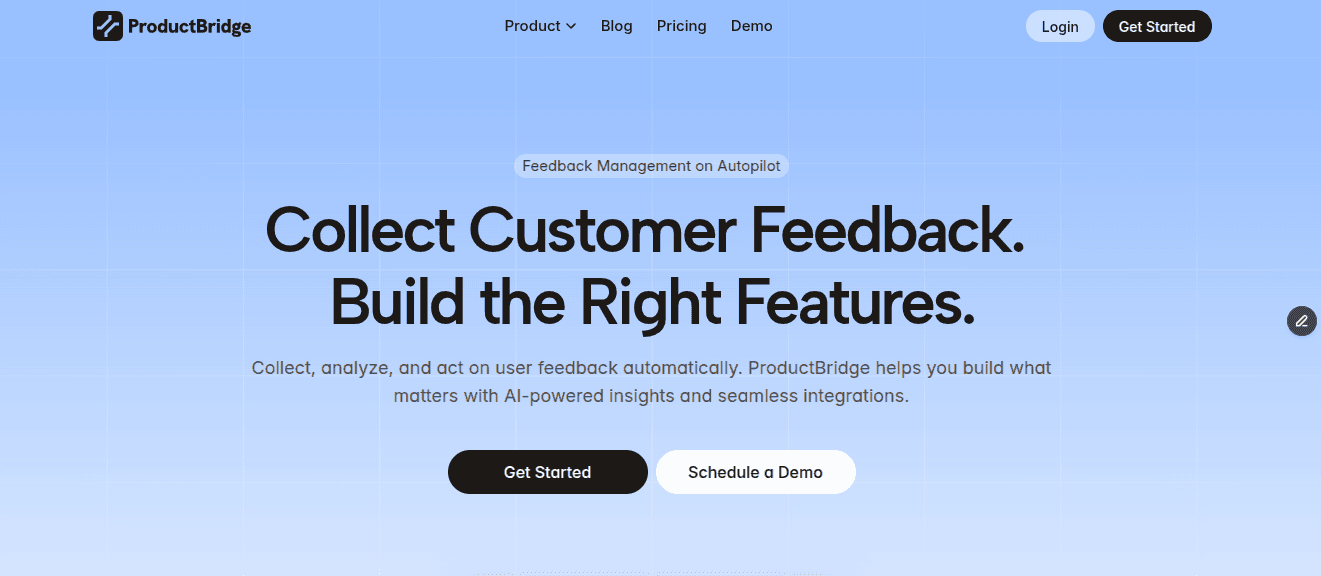
ProductBridge is an AI-powered feedback platform that collects feedback automatically from 20+ sources like Trustpilot, then sorts it into Themes, Pain Points, and Observations instead of counting votes.
AutoBridge then clears out duplicate requests on its own, builds and updates a roadmap, and drafts your release notes, so your team spends less time managing the board and more time acting on what it says.
That’s the part Beamer can’t do. Beamer tells people what shipped, but it has no way of knowing what they want shipped in the first place. It has no feedback board, no roadmap, and no way to hear what users are struggling with.
What’s Included
Omnichannel capture – automatically collects feedback from 20+ sources including Trustpilot, Intercom, and Gong.
Feedback Insights – sorts incoming feedback into Themes, Pain Points, and Observations instead of a vote count.
Feedback boards – public, private, or segment-based
Roadmaps – show what’s planned, in progress, and shipped
Changelog – auto-notifies users the moment their request goes live along with an option to add a pop-up announcement for the users landing on your platform + in-app changelog widget
Public portal – where customers browse and vote on requests
In-app widgets – collect requests right inside your product
Help Center, Knowledge Base & Surveys – built in, not a separate tool
How It Compares to Beamer
Feedback collection comes built in, not as a paid add-on you have to request pricing for
ProductBridge does not price by monthly active users, so an increase in widget views does not automatically move you to a more expensive plan.
Comes with a full feedback board, roadmap, and prioritization, not just a widget for posting updates
Includes a help center and surveys, which Beamer doesn’t offer at all
Custom domains and segmentation aren’t locked behind expensive tiers
Where It Falls Short
New platform, so a shorter track record
A few enterprise features, like SSO/SAML, are limited to the pricier tiers
Pricing
Plan | Monthly | Annually |
Free | $0 | $0 |
Starter | $39 | $29/mo |
Growth | $69 | $59/mo |
Enterprise | Custom | Custom |
Beamer’s cheapest plan starts at $49/mo, billed annually, and still doesn’t include feedback collection. ProductBridge’s Growth plan is 41% cheaper than Beamer’s entry tier, with more features included.
Usage-based pricing has spread fast across SaaS; TechCrunch reported 61% of companies used some form of it by 2022, up from 34% two years earlier, but it only makes sense when the metric tracks value received. A page load isn't that.
Best for: SaaS teams that want product updates and feedback handled in one tool, without paying extra to unlock feedback collection.
Headway
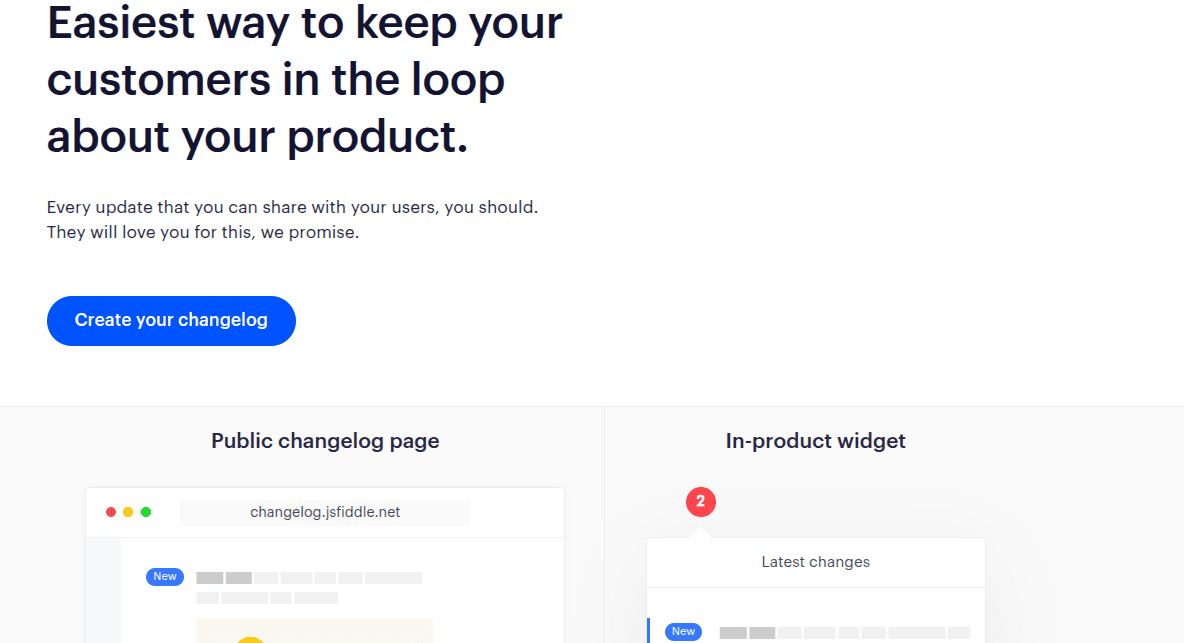
Headway keeps things simple. You get a public changelog and an in-app widget, and the paid plan adds custom branding and your own domain. There’s no feedback board, no roadmap, no voting, just a clean place to post updates and let people follow along. There’s less to set up and less to maintain.
The catch is that users can only read what you post; they can’t do anything with it. There’s no way to track, comment, or ask for what should come next. Once you’ve shared an update, that’s the end of it; nothing involves feedback or a roadmap.
What’s Included
Public changelog page with unlimited entries and the free plan
In-app widget to show updates inside your product
Custom branding, custom domain, and white-labeling
Team management and scheduling publishing
Markdown editor for writing entries
How It Compares to Beamer
The free plan includes real customization (widget, categories, public page), not a demo like Beamer’s 1,000 MAU tier
One flat price of $29 for Pro, instead of Beamer’s billing that climbs because of traffic
Custom domain and white-label branding come on $29/mo
No MAU cap at any price, so traffic rise doesn’t affect your bill
Where It Falls Short
No feedback board, roadmap, or voting, purely a changelog tool
No email notifications at any price
Users can’t react to or comment on updates
No analytics to see how many people actually view your changelog
No segmentation, every update goes out to everyone with no way to target specific groups
Pricing
Plan | Monthly |
Free | $0 |
Pro | $29 |
Best for: Teams that just want an easy way to post updates, without needing feedback collection or a roadmap built in.
AnnounceKit
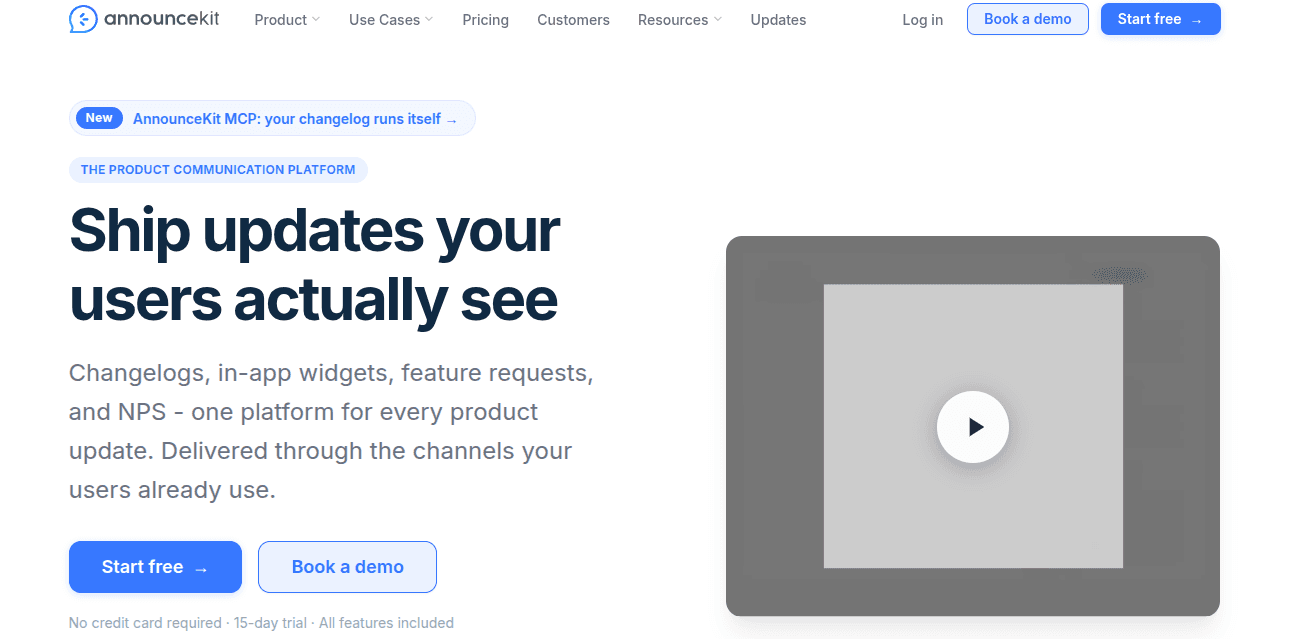
AnnounceKit works a lot like Beamer: a widget for updates, a branded changelog page, and push notifications. What makes it different is targeting. You can send updates to specific groups of users based on their plan, location, or other details, instead of showing every update to everyone the way Beamer does.
It also comes with collect feedback built in, something Beamer only offers as a paid add-on at an additional $99/mo.
What’s Included
Update widget in a few formats: sidebar, popup, banner, or modal
A branded public changelog page
Push notifications and email digests
Targeting by plan, location, or other user details
Feedback collection built into the same tool
How It Compares to Beamer
Lets you target updates to specific user groups instead of showing everything to everyone
Feedback collection comes included, not a paid add-on
Offers a free trial rather than a free plan, though Beamer's free tier caps out at 1,000 monthly users.
Where It Falls Short
No free plan, and it costs more to start than Beamer or Headway
Feature requests, roadmap, and analytics only unlock from Growth up, so the true entry cost is higher than the Essentials price suggests.
NPS is a separate paid add-on, not included in any core plan
Can feel like more than you need if all you want is a basic changelog
Pricing
Plan | Monthly | Annually |
Essentials | $89 | $79/mo |
Growth | $149 | $129/mo |
Scale | $399 | $339/mo |
Enterprise | Custom | Custom |
NPS add-on | $49 | $42/mo |
Best for: Teams that want Beamer's widget-based approach but need stronger segmentation to target announcements at specific user groups.
Noora
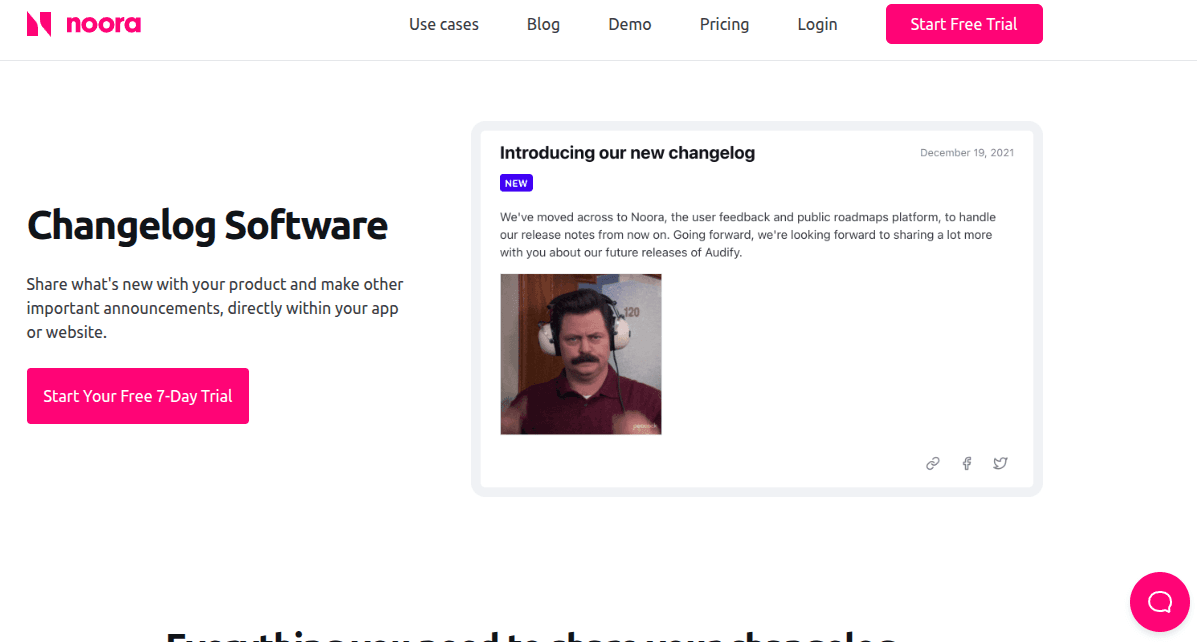
Noora does the same job as Beamer, posting updates and running a changelog, but it starts from a different place. Feedback boards, a roadmap, and a changelog all come together on every plan, even the cheapest one, so there’s nothing extra to unlock just to get the basics.
The difference shows up once something ships. Noora tells everyone who voted for that request the moment it goes live, so users see their feedback turn into reality instead of noticing an update is passing.
What’s Included
Feedback boards, roadmap, and changelog together on every plan, including the cheapest tier
Changelog entries link directly to the feedback that inspired them
User segmentation and SSO-based user identification from the Growth plan up
Custom domain, custom roadmap statuses, and custom changelog labels on Growth and Enterprise
Integrations with Zapier, Slack, and Intercom on Growth and above; Segment and Jira on Enterprise only
How It Compares to Beamer
Feedback boards and a roadmap included on every plan
Changelog entries link directly to the requests behind them, so users see their feedback turn into a shipped feature
Costs a lot less to start, $14/mo billed annually compared to Beamer’s $49/mo
Where It Falls Short
Not a well-known tool like Beamer or Canny
Segmentation, custom domain, and most integrations need the Growth plan or higher
Fewer widget styles to choose from than Beamer offers
Jira and Segment integrations are locked to the Enterprise plan only
No free plan, just a free trial on paid tiers
Pricing
Plan | Monthly | Annually |
Startup | $29 | $14/mo |
Growth | $59 | $29/mo |
Enterprise | $129 | $64/mo |
Best for: Teams that want their changelog directly tied to the feedback and roadmap that drove it, without paying separately for each piece.
LaunchNotes
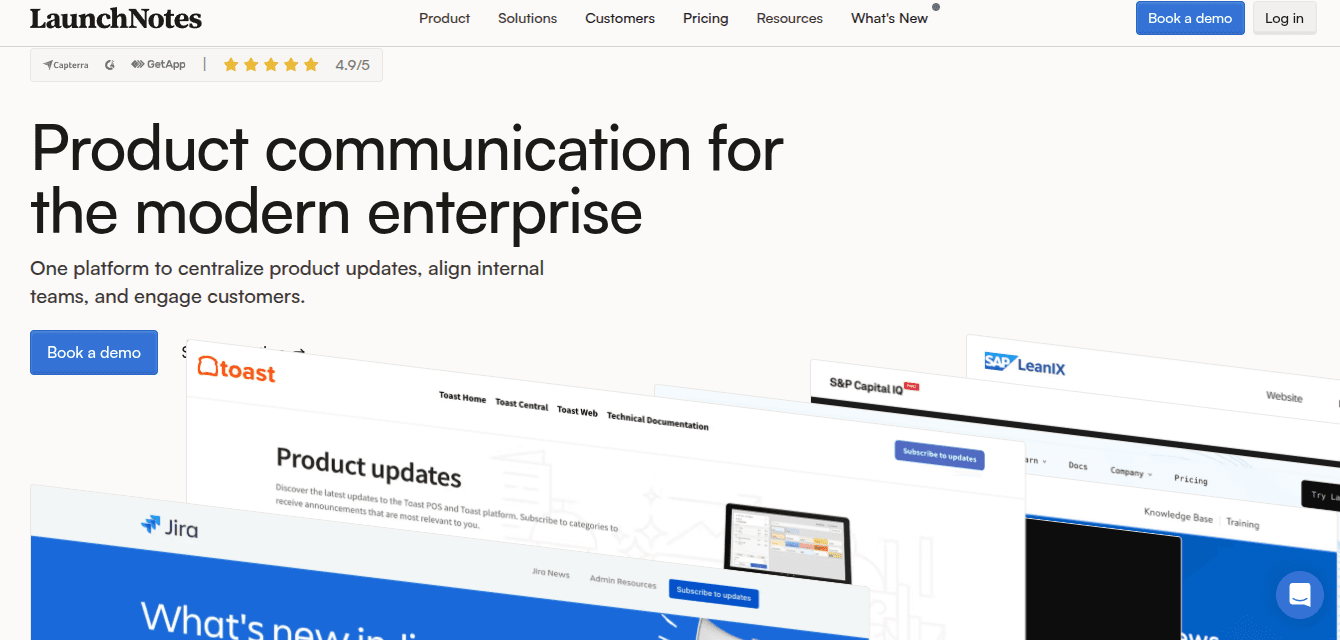
LaunchNotes is an enterprise product communication platform that combines release notes, a roadmap, an in-app widget, and feedback management, with an AI writer built in to help draft changelogs.
There’s no cheap starter tier. The entry plan alone costs $249/mo billed annually, and it’s built for teams shipping across several products who want release notes, roadmap, and feedback tied together.
The tradeoff is scale. This isn’t for a small team that just wants a simple way to post updates. It’s built for bigger launches where product, support, and customer all need to stay in a single tool.
What’s Included
Release notes, roadmap, and feedback management on one LaunchNotes page
Smart Draft AI writer to help draft update content
In-app widget to surface updates inside your product
Advanced segmentation, AI tone and voice
SSO & JWT for enterprise-level authentication
How It Compares to Beamer
Feedback management and a roadmap come built in
AI writer helps draft updates, something Beamer lacks
Pricing is flat per plan instead of scaling with Monthly Active Users
Where It Falls Short
Starts at $249/month, far more expensive than Beamer's $49/month entry tier
No free plan or low-cost option for smaller teams
Only 2 users included on the Growth plan; more requires the custom Premium tier.
Overkill if all you need is a simple changelog widget
Pricing
Plan | Monthly | Annually |
Growth | $299 | $249/mo |
Premium | Custom | Custom |
Best for: Larger teams coordinating releases across multiple products, where product, support, and customer-facing teams all need to stay aligned.
How to Choose the Right Beamer Alternative?
The right choice depends on three things: whether you need feedback tied to your products, how much you’re willing to spend, and how much structure your release process actually needs.
Simple, Widget-Based Updates
If you want the same widget and changelog experience as Beamer, without pricing that scales with traffic:
ProductBridge
Headway
Feedback + Roadmap Built In
If you want your changelog tied directly to feedback and a roadmap, not standing alone:
ProductBridge
Noora
Better Segmentation and Targeting
If you want to target announcements to specific user groups instead of sending every update to everyone:
AnnounceKit
ProductBridge
Enterprise-Grade Release Communication
If you’re coordinating launches across multiple products and teams, not just posting updates:
LaunchNotes
ProductBridge
Frequently Asked Questions
What’s the best alternative to Beamer?
ProductBridge is the strongest all-round pick since it includes feedback collection, a roadmap, and a help center from the start, without paying extra to unlock them like Beamer. Headway suits teams that just want a simple changelog; AnnounceKit fits if segmentation matters most, and Noora works well for teams that want feedback tied directly to the changelog.
Why does Beamer’s pricing rise even if my team doesn’t grow?
Beamer charges based on Monthly Active Users, which counts anyone who loads a page with the widget on it, whether they read the changelog or not. A traffic rise from marketing, a product launch, or seasonal demand can push the bill up even though your team doesn’t change.
Which Beamer alternative is best for segmentation?
ProductBridge is the best pick here, with segmentation included as a core rather than behind an expensive paywall. AnnounceKit is also strong if you’re targeting specific groups by attributes, though Beamer only unlocks the same on its $249/mo Scale tier.
Which Beamer alternative is cheapest?
Headway and ProductBridge both offer free plans — Headway's covers a basic changelog with no user cap, while ProductBridge's includes feedback boards and a changelog. Among paid plans, Noora's Startup tier is the cheapest at $14/mo billed annually and includes feedback, roadmap, and changelog together. Beamer's own free plan caps at 1,000 monthly active users.