Best Changelog Software for SaaS in 2026: Top 9 Tools
Looking for the best changelog software in 2026? See our hands-on comparison of 9 top tools, with pricing, standout features, and the right fit for your team.


Changelog software is a specialized tool that enables SaaS organizations to communicate their product updates, enhancements, or bug fixes to their users in an organized manner. Without it, many software companies find their release notes hidden within emails, Slack messages, or old document pages.
We reviewed the top changelog tools of 2026, including features, pricing, and who each tool is best suited for.
Disclosure: ProductBridge is developed by our team. Our intention has always been to make a fair comparison of changelog products available in 2026.
The best changelog software for SaaS in 2026 depends on your team size and workflow – all-in-one platforms like ProductBridge suit growing teams, while lightweight tools like Headway work best for simple update publishing. Prices range from free to $399/month.
Top Changelog Software At A Glance
Tool | Best for | Starting Price | Standout Feature |
ProductBridge | Startups & SaaS teams wanting all-in-one | $29/mo | AI changelog generation + feedback loop + In-app widget + auto announcements |
ProductLift | SaaS teams managing feedback workflow | $19/mo | Single-post workflow from feedback to changelog |
Beamer | SaaS businesses focused on user engagement | $49/mo | In-app notifications + NPS surveys |
AnnounceKit | Teams needing multi-channel product communication | $79/mo | Highly customizable in-app widgets |
Canny | SaaS teams need AI feedback automation | $79/mo | AI-powered feedback capture |
Headway | Small teams wanting a simple changelog | $29/mo | Lightweight embedded changelog widgets |
LaunchNotes | Enterprise SaaS product communication | $299/mo | Advanced subscriber management |
Noticeable | Multi-channel product announcements | $29/mo | Newspages + in-app widgets |
Featurebase | Feedback + customer support in one platform | $37/mo | Unified inbox + live chat + feedback in one |
We have evaluated all of these tools using the same criteria, including features, price, usability, scalability, and their suitability for SaaS companies.
Key Takeaways
Changelog software directly addresses one of the leading causes of churn: users not seeing product value – SaaS companies lose up to 5–7% of customers annually (Cobloom).
The best changelog tools in 2026 go far beyond simple release notes that include in-app widgets, automation, customer segmentation, and analytics in one place.
For all-in-one changelog software, ProductBridge is the best choice because it offers feedback boards, a roadmap, AI changelogs, and user notification features, in-app changelog widget combined at $29/mo price point. Basic changelog features and in-app widgets are included in the free plan as well.
There are even some free changelog software — for example, ProductBridge, Canny, Headway, and Noticeable all provide you with free versions.
However, if you are looking for changelog solutions with no unnecessary bells and whistles, then Headway might be the perfect option since it is lightweight, cheap, and fast to implement ($29/month).
How To Choose The Right Changelog Software?
To choose the right changelog software, it should be easy to publish from, support in-app widgets, send automatic user notifications, and integrate with your existing stack. Here is what to evaluate before selection:
Ease of Publishing – It must be quick and easy to create updates, without taking any time out of your team's schedule.
In-App Widget Support – Choose solutions that allow for changelogs to be embedded right within your product for easy viewing.
User Notifications – It is essential that whatever solution you choose enables automatic notifications for your users whenever there is something new on the menu.
Integrations – The tool must work well with your existing stack — Slack, Jira, GitHub, Intercom, or whatever your team already uses to manage releases.
Pricing & Scalability – Select software based on what works for you now while also thinking about how it scales with your business.
Analytics – Basic tracking gives you insight into which updates are engaging for your users.
Best Changelog Tools For SaaS In 2026
1. ProductBridge
ProductBridge is an AI-powered feedback management and changelog software for SaaS teams that offers feedback boards, roadmaps, changelogs, and AI automation in one platform. Pricing starts at $0, with paid plans starting at $29/month.
Key Features
Public Changelog Portal – a hosted, SEO-friendly page where anyone can follow your product updates
In-App Changelog Widget – embed the latest updates inside your website/app so users see what shipped without leaving the app
Automatic Announcements – newly published changelog entries open as an announcement when users next visit your site
Subscriber Notifications – everyone subscribed to your changelog is notified automatically the moment an entry goes live
Comments & Reactions – Allow customers to react with your announcements.
Feedback Boards – Store all feature requests and bug tickets in one organized place.
Public Roadmaps – Share planned and in-progress features with customers.
AI Changelog Generation – Automatically generate release notes based on all delivered product updates.
User Voting – Give customers an option to upvote features that they like.
Automatic Notifications – Alert users about the delivery of their requested features.
Multi-Channel Integrations – Allow import feedback from Slack, Intercom, emails, and support apps.
White-Label Support – Provide a custom domain name for higher-tier packages.
MCP Support – You can directly post feedback, roadmaps and changelog entries from LLMs like Claude, ChatGPT etc.
Where It Falls Short
It is still growing its native integration ecosystem relative to its older rivals.
Enterprise-level features can be accessed only by users on premium tiers.
Best for SaaS teams and startup companies, not larger enterprises.
Pricing
Plans | Monthly | Annually |
Starter | $39/mon | $29/mon |
Growth | $69/mon | $59/mon |
Enterprise | Custom | Custom |
Best For:
Best for startups and SaaS seeking a cost-effective feedback, roadmap and changelog in one portal with intelligent automation capabilities.
2. ProductLift
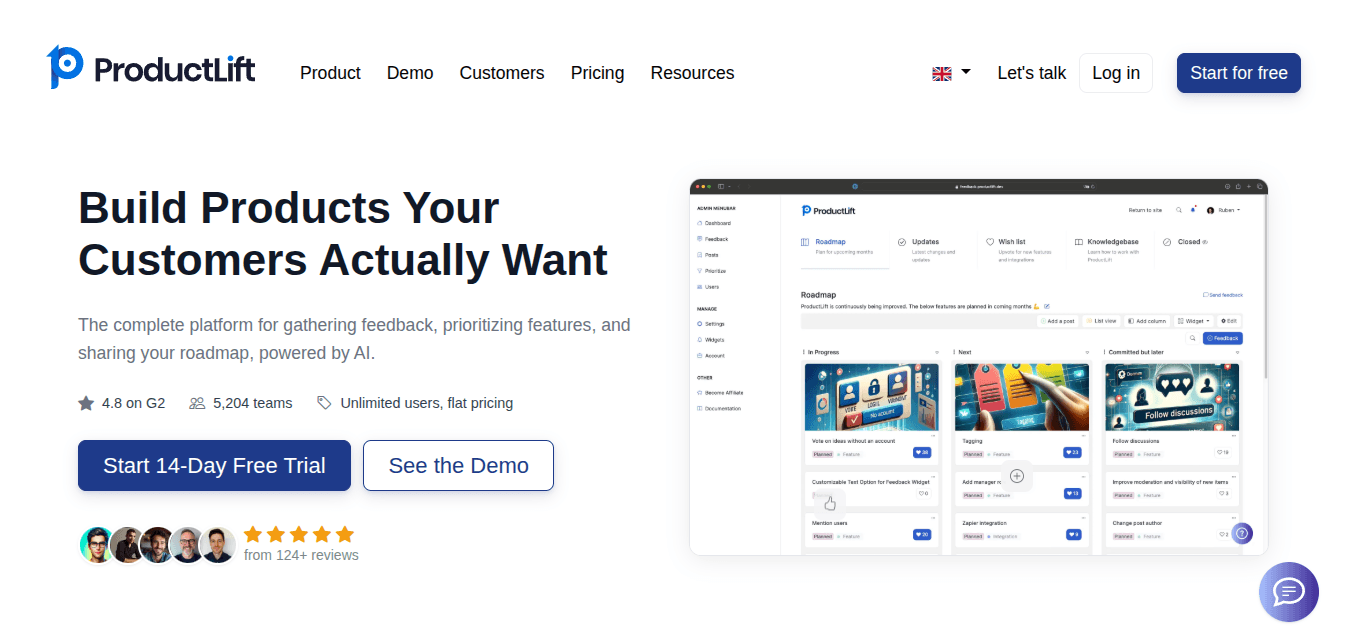
ProductLift is an AI-driven platform that enables SaaS-based teams to gather product feedback, generate roadmaps, maintain changelogs, and communicate shipped changes to customers. The starting price point is $19/month annually.
ProductLift is unique among other similar platforms because of its single-post workflow, which allows feedback items to be automatically moved from the roadmap to the changelog.
Key Features
Single-Post Workflow – Moves the same post automatically from feedback collection to the roadmap and changelog.
Revenue-Based Prioritization – Integrates data from Stripe to reveal the MRR/LTV value behind feature requests.
Public Feedback Boards – Enable users to share, rate, and discuss their suggestions.
Roadmap Management – Allows for the creation of visual roadmaps using custom columns and workflow.
AI Changelog Generation – Generates changelog entries based on new features deployed and commits to git.
Knowledge Base Hosting – Creates help documentation and articles based on changelog updates.
Widgets & Embeds – Embedding of feedback boards, changelogs, and announcements within your app.
Where It Falls Short
Per-admin pricing may be expensive for large internal teams.
Some of the sophisticated functions are designed for SaaS companies.
It might be too complicated for simple feedback-oriented teams.
Less flexible free plan than those offered by some competitors.
Pricing
Plans | Monthly | Annually |
Starter | $29/mon | $19/mon |
Pro | $79/mon | $49/mon |
Business | $199/mon | $129/mon |
Best For:
Best for SaaS companies that require changelogs, feedback gathering, roadmaps, and AI-generated release notes in one place.
3. Beamer
Beamer is a product announcement and changelog software used by SaaS firms to boost feature and customer engagement. The software integrates changelogs, in-app notifications, feedback gathering, and NPS surveys within a communication system, and pricing begins at $49 per month.
Beamer differentiates from other products by its emphasis on in-app announcements and user engagement.
Key Features
Product Changelog – Create and publish your product’s release notes in one single place.
In-App Notifications – Send messages through banners, popups, tooltips, and announcement banners.
User Segmentation – Create announcements and send them to the right target users.
Feedback Collection – Collect feedback directly from your customers within the application.
NPS Surveys – Assess the level of customer satisfaction with in-built NPS surveys.
Comments & Reactions – Allow customers to interact with your announcements.
Analytics Dashboard – Measure engagement and performance of your announcements through analytics.
Integrations & API – Connect to thousands of applications using the integration and API capabilities.
Where It Falls Short
Expensive at higher monthly active user limits
NPS requires a separate add-on
Limited roadmap management capabilities
Advanced segmentation on expensive plans
Pricing scales with active users
Pricing
Plans | Monthly | Annually |
Starter | $59/mon | $49/mon |
Pro | $119/mon | $99/mon |
Scale | $299/mon | $249/mon |
Best For:
Ideal for SaaS businesses centered around product launches, in-app notifications, and better adoption of features.
4. AnnounceKit
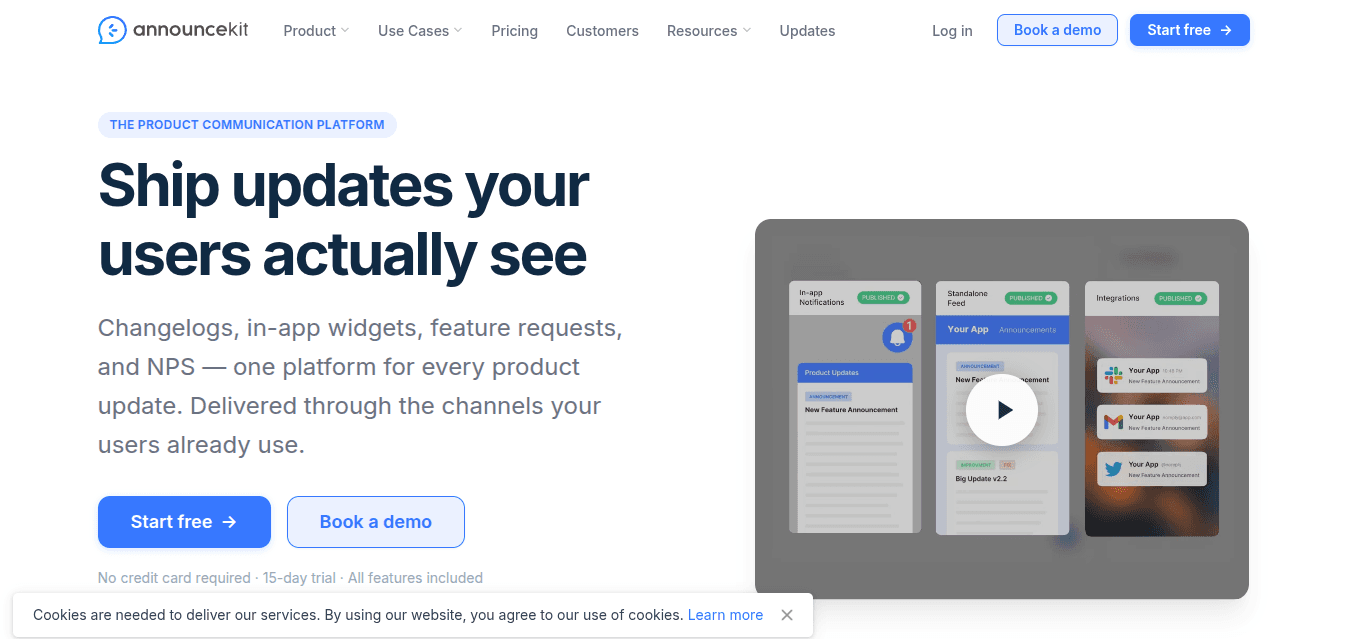
AnnounceKit is a communications and changelog tool specifically designed for SaaS companies that combines changelogs, in-app messaging, user feedback surveys, announcements, email notifications, and other features in one platform. Pricing starts from $79/month, annually.
The main thing that distinguishes AnnounceKit from competitors is multi-channel product communication with highly customizable in-app widgets.
Key Features
In-App Widgets – Display update notifications through pop-ups, sidebars, badges, banners, and others
Multi-Channel Delivery – Distribute changelogs via changelog pages, emails, Slack, RSS, etc.
Feature Request Boards – Gather suggestions from your customers via votes and feedback.
AI Writing Assistant – Automatically create changelogs using AI.
Custom Changelog Pages – Make your customized changelog page complete with a domain name.
User Segmentation – Target certain user groups for notification distribution.
Analytics Dashboard – Measure user engagement with your notifications.
Integrations & API – Integrate with Slack, Jira, GitHub, Zapier, and more.
Where It Falls Short
The feature set of the roadmap feels quite basic
Few options for product prioritization tools
Feedback management is more primitive compared to the competition
Overemphasis on the product communication process
Customizations possible only with more expensive plans
Pricing
Plans | Monthly | Annually |
Essential | $89/mon | $79/mon |
Growth | $149/mon | $129/mon |
Scale | $399/mon | $339/mon |
Enterprise | Custom | Custom |
Best For:
Suitable for SaaS businesses looking to manage their product launches through multiple channels.
5. Canny
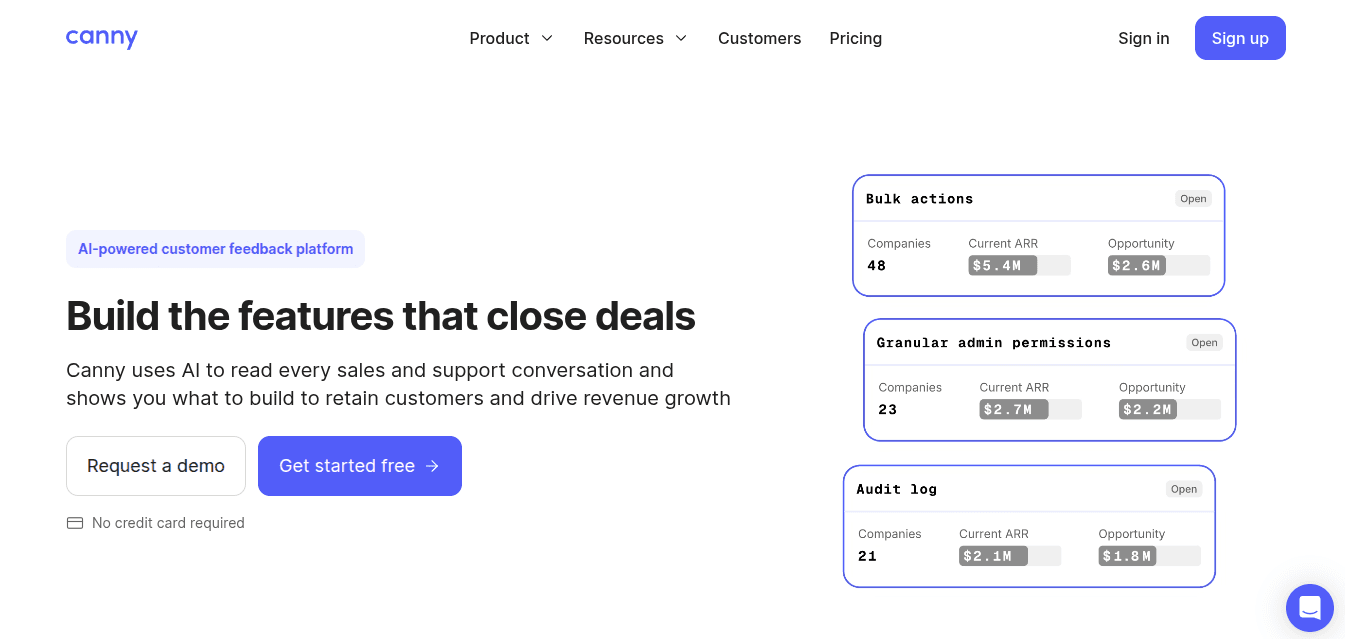
Canny is a feedback management tool designed for SaaS teams that enables organizations to gather customer feedback, manage feature requests, create roadmap releases, and publish change logs using a single solution. Pricing begins at $0 per month; the minimum paid plan costs $79/month (annual billing).
The most significant feature of Canny is its AI-enabled feedback automation that automatically gathers customer feedback.
Key Features
AI Feedback Capture – Automatically capture customer feedback from conversations.
Duplicate Detection – Combines multiple similar requests into one board post.
Feedback Boards – Allow users to share and vote on feature requests.
Roadmap Management – Public or private roadmapping for your product.
Changelog Publishing – Make announcements about product changes.
Smart Replies – Use AI-generated replies to ask for more details.
Comment Summaries – Create a summary for lengthy feedback threads.
Integrations – Connect with Jira, Slack, Zendesk, Salesforce, HubSpot, and more.
Where It Falls Short
Higher costs for scaling the team
Less ability to customize the changelog
Features not available in lower-tier plans
The free plan includes usage limits
The interface may be too feature-rich
Pricing
Plan | Monthly | Annually |
Free | $0 | $0 |
Pro | $99 | $79 |
Business | Custom | Custom |
Best For:
Best suited for SaaS companies requiring a well-rounded feedback management solution with AI automation capabilities.
6. Headway

Headway - a changelog tool that emphasizes simplicity when sharing updates. It is not cluttered with unnecessary features like other tools, but it provides a simple interface for creating changelog pages, embedded widgets, and scheduling posts. The starting price is $0 per month, while the Pro package costs $29 per month.
Its straightforward approach, cost-effective pricing, and quick implementation make it an attractive choice for organizations seeking to communicate their updates
Key Features
Public changelog pages – Share updates of your product with your customers
In-app widget – Notify users within the application
Scheduled publishing – Schedule the update of the page automatically
Custom branding – Customize the look and feel of your changelog
Private changelogs – Share updates only with selected users
Slack & Twitter integrations — Broadcast your changelog to other platforms
Where It Falls Short
No integrated feedback voting mechanism
Minimal abilities to plan roadmaps
Very few AI-based functionalities
Basic analytics compared to rivals
Insufficient user segmentation tools
Pricing
Plans | Monthly |
Pro | $29/mon |
Best For:
Perfect for small-scale SaaS businesses requiring a simple changelog and updates widget.
7. LaunchNotes
LaunchNotes is an enterprise-focused product announcement tool for SaaS product teams that handle large-scale product updates. It offers announcements, roadmap planning, customer feedback gathering, and subscription management. It costs about $299 per month to use the Growth package.
Key Features
Product announcements – Make announcements regarding new releases
Embeddable widgets – Display updates within your app
Customer feedback tracking – Gather feedback from customers
Advanced subscriber management – Manage targeted subscribers
Collaborative editing – Collaborative editing of release updates
Jira integration – Create updates based on tickets in Jira
Public & private roadmaps – Plan future products
Slack & email notifications – Deliver updates across channels
Where It Falls Short
Costly for small startups
No affordable self-service options
Use cases are limited to lightweight applications
May come off as enterprise-oriented
Fewer AI capabilities compared to other products
Some basic customizations in lower-tiered plans
Pricing
Plans | Monthly | Annually |
Growth | $299/mon | $249/mon |
Premium | Custom | Custom |
Best For:
Best for SaaS-based enterprises to handle product development, product roadmap, and customer engagement with multiple stakeholders.
8. Noticeable
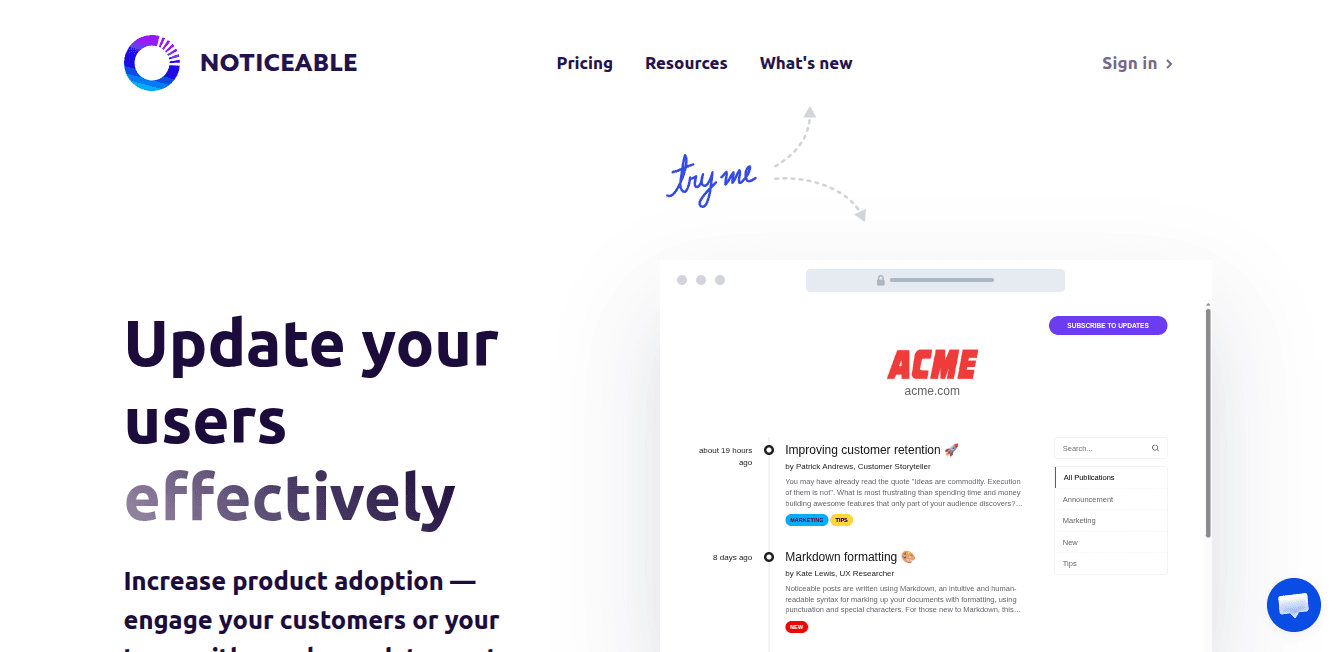
Noticeable – changelog and customer communication software concentrated on in-app widgets, news pages, and update distribution. It helps SaaS teams communicate product updates, announcements, and releases through websites, emails, Slack, and social media. It has a free plan, and the paid plan starts at $29/month.
Its strengths are embedded widgets, integration capabilities, audience engagement, and customized news pages compared to more advanced roadmaps.
Key Features
In-app widgets – Display updates within products
Newspages – Generate branded update pages for your products
Multi-channel publishing – Distribute updates on Slack, Twitter, Facebook, and via email
Zapier integrations – Connect to over 3,000 apps
Scheduled publishing – Schedule automated publishing
Analytics dashboards – Monitor user engagement and impressions
GraphQL API – Develop unique workflows and integrations
Localization support – Generate multilingual news pages and widgets
Where It Falls Short
Roadmap Management Limited
No sophisticated prioritization tools
The feedback gathering capability is limited
Lacks many AI features compared to other products
Enterprise-level features require upgraded packages
The user interface can be confusing for new users
Pricing
Plans | Monthly | Annually |
Essential | $29/mon | $24/mon |
Growth | $79/mon | $65/mon |
Business | $159/mon | $132/mon |
Enterprise | $399/mon | $333/mon |
Best For:
Best for SaaS companies that require changelog widgets and multiple product announcement channels.
9. Featurebase
Featurebase is a unified feedback and customer support tool that can be used by startups and SaaS organizations to collect feedback, create roadmaps, conduct surveys, engage in live chat, use ticketing systems, and use AI-based support tools. Pricing starts from $37/month.
Key Features
Feedback Management – Uses AI tools for managing customer feedback and automating responses.
Roadmaps – Enable teams to publicly share their product roadmap and also manage internal roadmaps.
In-App Surveys and Live Chat enable businesses to gather customer views and offer live chat assistance.
Unified Inbox and Ticketing – Enabling companies to have all their customer communications, tickets, and queries in one place.
Knowledge Base – Tools for authoring help articles and creating self-help customer content.
API, Webhooks, and Integrations – Facilitate API-based integrations with third-party tools.
Where It Falls Short
AI is not available on the free tier
Per-user pricing gets pricey
AI solutions come at an additional cost
Slack support has yet to materialize
Help Center articles are lacking
Advanced features require premium tiers
Pricing
Plans | Monthly | Annually |
Growth | $37/mon | $29/mon |
Professional | $75/mon | $59/mon |
Enterprise | $129/mon | $99/mon |
Best For:
Best suited for startups, SaaS companies, and expanding teams looking for feedback and customer support tools in one system.
Do You Need an In-App Changelog Widget?
A public changelog page only works if users visit it. An in-app changelog widget solves that by notifying users of updates inside your product — a small badge or bell that opens the latest release notes without pulling anyone out of their workflow.
The best in-app changelog widgets go one step further and announce updates proactively.
ProductBridge, for example, pairs its public changelog portal with an embeddable widget and automatic announcements: when you publish a new changelog entry, subscribed users are notified automatically, and the update opens as an announcement the next time a user lands on your site. Headway, AnnounceKit, Beamer, and Noticeable also offer embeddable widgets.
Conclusion
Choosing the right solution for your changelog not only depends on the product but also on retention. The chances that users will keep using your application increase significantly when they can see what changes were made, how the product evolved, and that their opinions matter.
Among the top changelog software options, ProductBridge stands out as the strongest all-in-one tool in 2026 for integrating feedback, roadmap, and changelog. However, if you want something quick and straightforward to implement, then consider using either Headway or AnnounceKit.
Whatever solution you ultimately decide on, the key aspect to consider is consistency, as a regularly maintained changelog will build much more credibility than a perfectly developed but overlooked one.
Frequently Asked Questions
What is the best changelog software for SaaS in 2026?
ProductBridge is the best changelog software for SaaS in 2026 for those who need a single platform covering feedback, roadmap, and AI-driven changelog creation with a starting price of $29/month. If you only need simple changelog functionality, there are some good free solutions available, such as Headway and Canny.
What is the difference between a changelog and release notes?
Changelogs are user-facing logs of all product updates that appear over time, all compiled together in one single place. On the other hand, release notes tend to be more detailed and are normally associated with a particular version. From an implementation perspective, changelog software publishes release notes in an ongoing way.
Is there a free changelog tool for SaaS teams?
Yes. There are some free options available, including ProductBridge, Canny, Headway, and Noticeable. ProductBridge and Canny provide free versions that come with AI capabilities too, making them the best free changelog software available today.
How often should a SaaS company update its changelog?
There is no set formula; the best practice would be to post your changelog update each time you release a relevant change – a new feature, improvement, or fix. The majority of actively developing SaaS companies post changes to their changelog once to two times a month.
What features should I look for in changelog software?
The most important features in changelog software include publishing ease, the ability to embed widgets inside the application, automatic notifications to users, customization options for brand identity, integration into existing tech stack, and analytics regarding user engagement. AI-driven changelog creation is becoming increasingly crucial for fast-changing products.
Can changelog software help reduce customer churn?
Yes. First off, changelog software decreases customer churn as a result of keeping customers up-to-date with new releases and improvements. When users see their feedback taken into account, they become much more inclined to stick around. Proactive product communications have been proven to be one of the top reasons for SaaS retention rates.
What is the best changelog tool for small SaaS teams?
Headway is the best changelog tool for small SaaS startups that don't need additional functionality. On the other hand, startups that would like to gather user feedback and use AI in their work can consider ProductBridge and Canny, which have plenty of free plans available.
How does changelog software improve feature adoption?
Changelog software can increase feature adoption by letting companies notify users about new features in an efficient way, using in-app widgets, emails, or pop-ups, instead of expecting them to learn how to use a new feature themselves. If users are notified at the correct time, the probability of them adopting new functionality is high.
Which changelog tools integrate with Slack and Jira?
There are several options for changelog software that support Slack and Jira integration, namely ProductBridge, ProductLift, Beamer, AnnounceKit, Canny, LaunchNotes, and Noticeable. If you are looking for in-depth Jira integration, especially ticket synchronization, LaunchNotes and Canny offer the best solutions.
What is the difference between a public and private changelog?
Public changelogs are accessible to everyone, whether it is potential customers, customers themselves, or the general public, and are usually created to help foster credibility and openly track the development process. Private changelogs, on the other hand, are only accessible within an organization or by certain selected members who have been invited to access such logs.